
Cloud POS Software for Fashion Boutiques in Sharjah
Boutiques in Sharjah often specialise in modest wear, occasion dresses and curated collections for loyal local clients. OptaPOS keeps client profiles and purchase history beside a photo catalogue, records alterations on the bill, and keeps discounts under the owner’s control.
- Built for fashion boutiques
- English & Arabic
- VAT-ready billing workflows
- Unlimited users per location
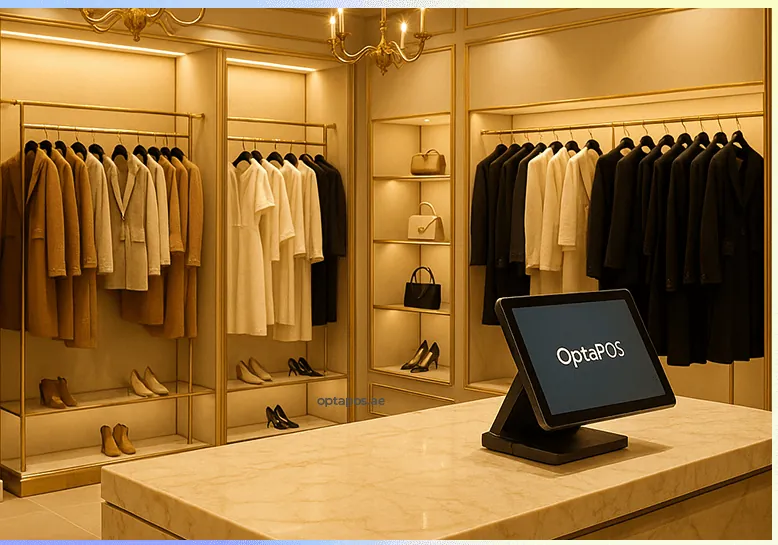
At a glance: OptaPOS for fashion boutiques in Sharjah
For a fashion boutique in Sharjah, OptaPOS covers billing, size and colour stock, client profiles, alterations, staff discounts and sales reports, in English and Arabic. Each physical store is licensed; staff, customers, transactions and compatible devices inside it are unlimited. Setup is done online, with on-site visits scheduled according to the agreed scope.
- Business type: Fashion Boutique · Fashion Boutique POS in the UAE
- Location: Sharjah, United Arab Emirates · POS software in Sharjah
- Packages: Standard covers the core; Loyalty points and redemption on this page needs Advanced.
- Users and devices: Unlimited users, customers and transactions per licensed location, on compatible desktops, POS terminals, tablets and phones.
- Languages and billing: English and Arabic screens, bilingual receipts where supported, VAT-ready billing workflows.
- Pricing: By tailored quote, based mainly on the number of physical locations. Request a tailored quote
- Support: Sales and support 24x7 by phone, WhatsApp and email.
What usually goes wrong on a busy boutique day
The right design, the wrong size
A client loves a dress, but her size is no longer on the rail. Someone phones the stockroom or the other branch, the client waits, and sometimes she leaves before anyone calls back.
Client knowledge sits with one stylist
Your senior stylist knows who prefers longer sleeves and who is shopping for a wedding next month. On her day off, nobody else has that information.
Alterations agreed, then forgotten
Shortening a hem or taking in a waist is agreed on the shop floor, then left off the bill or charged differently each time.
The special discount becomes normal
Regular clients expect a gesture. Without a limit per person, a one-off courtesy slowly becomes the price everyone pays.
Exchanges after Eid or a wedding
Gifts come back for another size. Without the original sale, staff cannot see what was paid or confirm the piece came from your boutique.
How a boutique day runs on OptaPOS
- 1
Set up each design once
Create the design with its sizes and colours. Each variation has its own barcode and stock, and you can add several photos taken with a phone camera so staff recognise the piece at a glance.
- 2
Know the client before the fitting
Search by name or mobile number at the counter. Her profile shows past purchases and the fields you chose, such as usual size, preferred colours or an upcoming occasion.
- 3
Find the size wherever it is
If the size is not on the rail, staff with permission click the item on the sales screen to see stock in your other permitted locations.
- 4
Bill the piece, the alteration and the stylist
The alteration is a service item and the cashier enters the agreed amount. The sale is credited to the stylist who served the client, even if someone else is at the till.
- 5
Review the week
See which designs and sizes sold, which pieces have not moved and how each stylist performed, and export to Excel if you want to work on the figures.
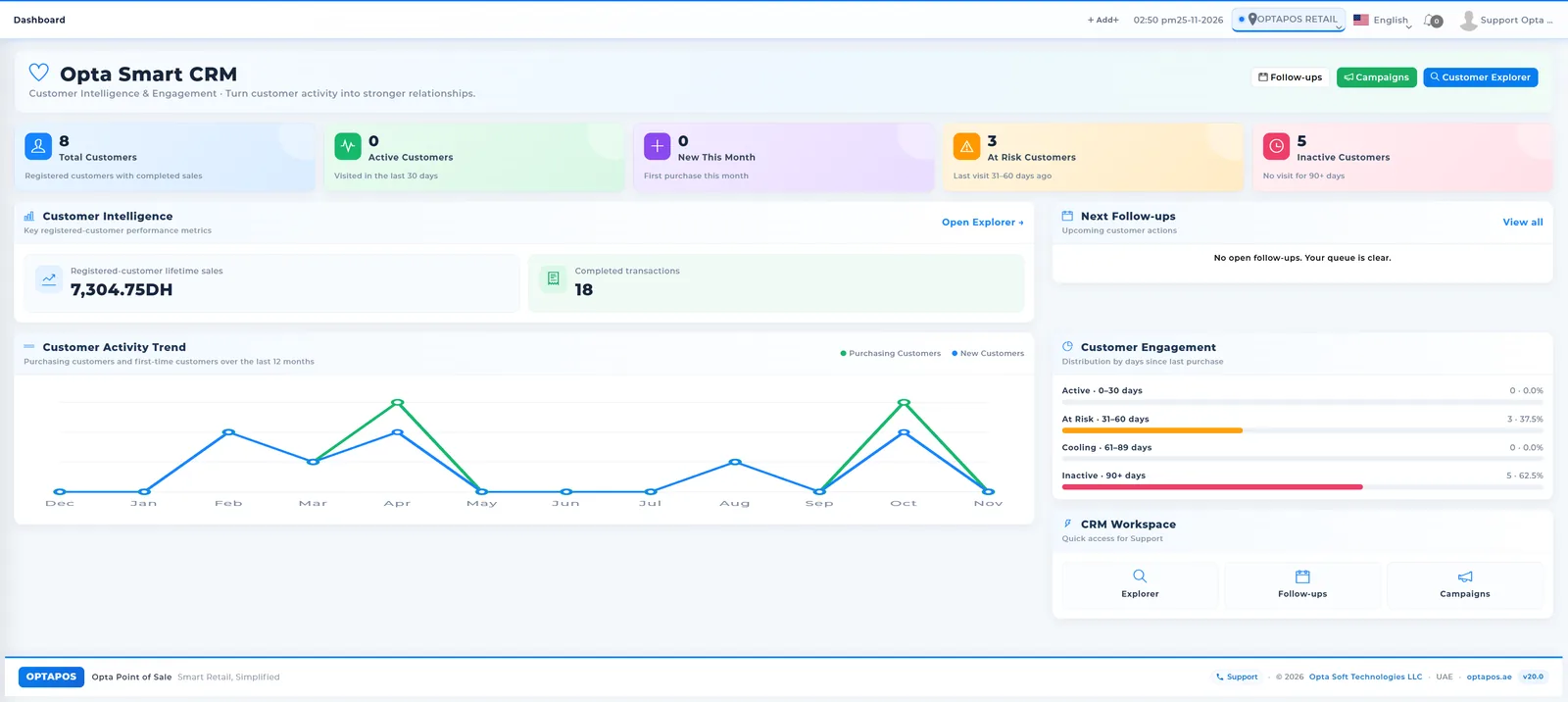
OptaPOS features for fashion boutiques in Sharjah
Only the features that matter for this business are shown. Each one is labelled with its package or option.
Size, colour and style variants Standard
One design, several sizes and colours. Each variation carries its own barcode and stock count, so the cashier bills the exact piece and you can see which sizes need reordering instead of judging from the rail.
Check other-branch stock from the sales screen Standard
When the size is missing, staff with the right permission check other locations from the sales screen. The client gets an answer in seconds rather than after a round of phone calls.
Customer profiles and purchase history Standard
Attach each sale to the client. Before suggesting a new piece, the stylist sees what she already owns and avoids offering the same style twice.
Up to 10 customer custom fields Standard
Up to 10 extra fields on each profile, such as usual size, fit notes, preferred colours, an occasion date or a reference photo. The knowledge stays with the boutique, not with one employee.
Multiple images, phone-camera capture and auto-compression Standard
Add several photos per design, captured with a compatible phone camera and compressed automatically. Helpful when two pieces look alike on screen but not on the hanger.
Service items with price prompt Standard
Create alterations as a service item with a zero default price. The cashier is asked for the amount on every job, so the charge is never left off the bill.
Employee-level maximum discount Standard
Set the maximum discount each employee may give, alongside product and location limits. A gesture for a regular client stays within what you approved.
Bill-wise and item-wise salesperson attribution Standard
The cashier credits the stylist who made the sale, for the whole bill or item by item, without logging out. Your incentive figures then reflect who actually sold.
Gift receipts without prices Standard
Print a receipt without prices for gifts. It keeps a barcode and transaction reference, so an exchange after Eid or a wedding is traced to the original sale.
Returns, exchanges and sales history Standard
Process exchanges and returns against the original sale, so staff can see what was paid and that the piece came from your boutique.
Loyalty points and redemption Advanced
In Advanced, regular clients earn points to redeem on later purchases. Many boutiques on Standard rely on purchase history and controlled discounts instead.
Running a Fashion Boutique in Sharjah
Sharjah’s family-focused shopping culture means many boutique clients return season after season and recommend the shop to relatives. Custom fields store sizes and preferences, purchase history shows what each client already owns, and product photos help present new arrivals to clients who prefer to see options before visiting.
Boutiques in areas such as Al Majaz, Al Khan or Al Nahda frequently offer alterations and adjustments. These are added as service items, the stylist is recorded on each sale, and employee discount limits stop one-off favours from eroding margins. Loyalty points are in Advanced.
New Eid pieces arrive at a boutique in Al Majaz. The owner photographs each design with a phone camera and adds the photos to the products. A long-standing client asks what has come in; the stylist shows her the photos, checks her purchase history so she is not offered something similar to last season, and keeps one piece aside. When she visits, the alteration is added to the same bill and the sale is credited to that stylist.
An example workflow, not a customer case study.
Standard or Advanced for a Fashion Boutique?
Standard includes Size, colour and style variants, Check other-branch stock from the sales screen, Customer profiles and purchase history and Up to 10 customer custom fields and the rest of the core retail toolkit. Of the features on this page, Loyalty points and redemption is in Advanced, which includes every OptaPOS feature.
- Each additional physical location, in Sharjah or another emirate, is licensed separately.
- Users, customers, transactions and compatible devices are unlimited under each licensed location.
- Mall tenants: mall sales capture for supported malls is a separately priced add-on.
Recommended hardware for a Fashion Boutique
- Touch POS terminal — An all-in-one touchscreen counter terminal for fast, button-driven billing. Ideal for busy counters and grid-button selling.
- Barcode scanner — Wired, wireless or hands-free 1D/2D scanners for fast checkout, receiving and stock counts.
- Barcode label printer — Print price tags, barcode labels and shelf labels in bulk from OptaPOS.
- 80mm thermal receipt printer — Fast, quiet receipt printing with bilingual layouts where supported. Can trigger the cash drawer.
- Cash drawer — A secure drawer that opens automatically on cash sales through the receipt printer.
Keep compatible devices you already own. We confirm compatibility in the demo and quote by model and quantity. POS hardware
One system for every Fashion Boutique branch
Owners can check sales and stock from a phone, wherever they are. When you open a second branch, in Sharjah or in Dubai and Ajman, every licensed location runs on the same system.
- Central warehouse, branch transfers and stock by location
- Branch prices, receipt and tax settings, and reorder levels per location
- Employee permissions by location and shared customer profiles
- Location reports and combined reports for the whole business
Getting a Fashion Boutique in Sharjah live
- 1
Understand your boutique
We look at your designs, sizes, branches and how your team sells and handles alterations today, then recommend a package. Advanced includes every feature, including loyalty; Standard is the lower-cost core.
- 2
Confirm hardware
We check the devices you already have and suggest only what is missing, such as a label printer for new collections.
- 3
Configure
Taxes, receipts, payment types, employee roles, discount limits and the client fields you want to keep.
- 4
Import your data
Designs, variants, clients and opening stock from Excel, where included in the agreed scope.
- 5
Train the team
Owners, managers and stylists learn the screens they use, in English or Arabic.
- 6
Go live with support
Go live with online or scheduled on-site support as quoted, then continue with your agreed support arrangement.
OptaPOS supports retail businesses across Sharjah with online and scheduled on-site implementation options based on the approved project scope. Sales and support are available 24x7.
Unlimited usage for your fashion boutiques
Under each licensed physical location, OptaPOS does not cap the everyday things that grow with a healthy business. Add cashiers, serve more customers and sell from more devices without a new bill each time.
Subscription charges are based primarily on physical locations. Adding another store, branch, outlet or warehouse is licensed separately; adding a user or a device under an existing licensed location is not. Device use is subject to permissions and supported workflows. How pricing works
Fashion Boutiques in Sharjah: questions
Can I share new arrivals with clients using product photos?
Product photos are stored in OptaPOS and shown on the sales screen, so staff can show pieces in store and use them when contacting clients.
Can I limit discounts for staff in my Sharjah boutique?
Yes. Discount limits are set by role and every discount is recorded against the user who gave it.
Can I charge for alterations?
Yes. Alterations are service items, added to the same bill as the garment or sold separately.
Are users or transactions limited?
No. Within each licensed physical location, normal users, customers, transactions and compatible devices are unlimited. Each additional physical location is licensed separately.
We are in a mall. Is mall integration included?
No, it is quoted separately. Mall sales-capture integration for supported malls is a paid add-on, scoped to that mall’s requirements.
Can I see it with my own products before deciding?
Yes. The demonstration can use your own product types and boutique workflow, so you see the relevant screens before committing.
Which OptaPOS package suits a Fashion Boutique in Sharjah?
Standard covers Size, colour and style variants, Check other-branch stock from the sales screen, Customer profiles and purchase history and Up to 10 customer custom fields. Choose Advanced if you need Loyalty points and redemption. Each physical location is licensed, and we confirm the right package in a written quote.
What hardware does a Fashion Boutique in Sharjah need?
A typical set-up is touch pos terminal, barcode scanner, barcode label printer, 80mm thermal receipt printer and cash drawer. We check what you already own during the demo and quote only what is missing.
Can I run fashion boutiques in Sharjah and other emirates on one system?
Yes. Branches in Sharjah, Dubai and Ajman or anywhere in the UAE can share products, customers and reports, with stock and prices controlled per location. Each physical location is licensed.
Do you offer on-site set-up in Sharjah?
OptaPOS supports retail businesses across Sharjah with online and scheduled on-site implementation options based on the approved project scope. Sales and support are available 24x7.
More for fashion boutiques and Sharjah retailers
Other retail businesses in Sharjah
Features, hardware and pricing
See OptaPOS set up for your Fashion Boutique in Sharjah.
Book a live demo with products like yours, or request a written quote for your locations.