
Fast, controlled sales and billing
Scan or tap, take any configured payment, handle returns against the original bill and keep discounts inside the limits you set.
- Barcode, search and touch-button selling
- Split and multiple payments where supported
- Returns and exchanges against the original sale
In short
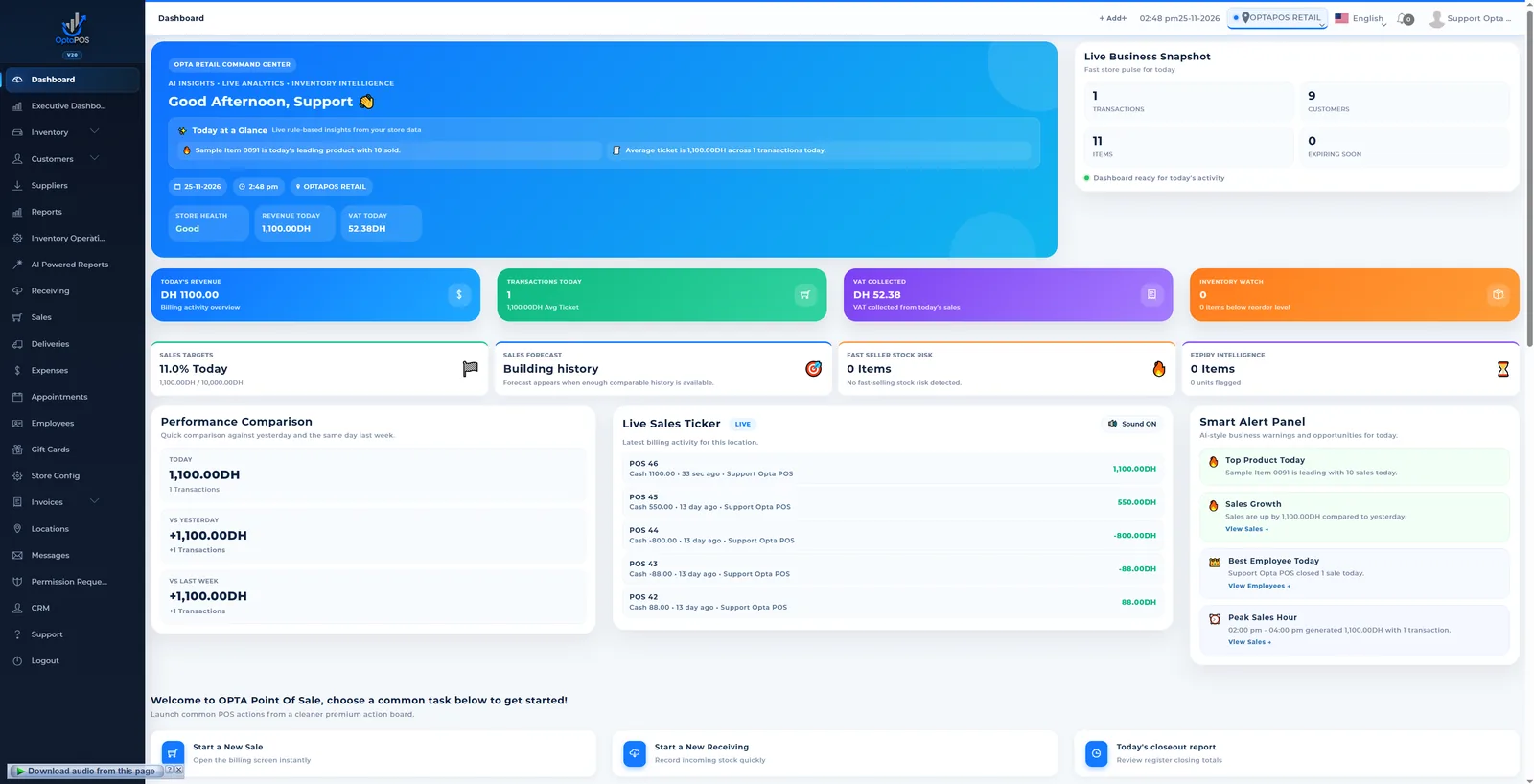
The sales screen is where speed and control meet. OptaPOS finds items by barcode, name or code, supports customisable grid buttons for unbarcoded products, splits payments across cash and cards, holds a bill while you serve the next customer and prints or emails VAT-ready receipts.
What you can do
Package labels show where each capability is included.
Fast product search and barcode scanning Standard
Find items at the counter by name, Product ID, Item ID or standard barcode, so checkout keeps moving during busy periods.
Touch grid and favourite-item buttons Standard
Configure touch-friendly buttons for frequently sold or unbarcoded items so cashiers can add them with one tap.
Configurable payment types Standard
Create the payment methods you accept from administration, such as cash, card, bank transfer, payment link or cheque.
Split and multiple payments Configurable
Accept one bill through more than one payment method where supported, such as part cash and part card.
Suspended / held sales Configurable
Park a bill while a customer keeps shopping and serve the next person, where supported.
Returns, exchanges and sales history Standard
Process returns and exchanges against the original sale and reprint receipts from transaction history.
Permission-controlled discounts Standard
Allow percentage or fixed discounts only for roles you authorise, so price changes stay controlled.
Email receipts and invoices Standard
Send a copy of the receipt or invoice to the customer’s email instead of, or as well as, printing it.
Gift receipts without prices Standard
Print a gift receipt that hides item prices but keeps a barcode and transaction reference for easy exchanges.
Bill-wise and item-wise salesperson attribution Standard
The logged-in cashier can credit the employee who made the sale, for the whole bill or item by item, without logging out.
Quick employee switching Standard
Switch the active employee with or without a password according to your security policy, and optionally confirm the employee on every sale.
From set-up to daily use
Add items
Scan, search or tap a button; stock is checked as you sell.
Apply rules
Promotions, price levels and discount limits apply automatically.
Take payment
Cash, card or split; print, email or send a gift receipt.
Popular with these retailers
Pay for locations, not for logins.
Under each licensed physical location, OptaPOS does not cap the everyday things that grow with a healthy business. Add cashiers, serve more customers and sell from more devices without a new bill each time.
Subscription charges are based primarily on physical locations. Adding another store, branch, outlet or warehouse is licensed separately; adding a user or a device under an existing licensed location is not. Device use is subject to permissions and supported workflows. How pricing works
Common questions
Can I hold a bill and serve another customer?
Yes. Held sales can be resumed later from the same or another counter.
Does OptaPOS connect to card machines?
Card payments are recorded as payment types. Direct terminal integration depends on the payment provider and is confirmed per project.
Can receipts be emailed?
Yes, email receipts are supported where configured.
Related features and guides
See OptaPOS running with your products.
Book a live demo and we will walk through checkout, stock and reports using your kind of store, then recommend Standard or Advanced and the hardware you actually need.