
Move retail data in and out with less repetitive work.
POS software with Excel import and export capability for supported product and retail data workflows in OptaPOS.

Bring excel import & export into the same retail operating system.
OptaPOS connects this capability with sales, products, customers, inventory and reporting so teams can work from one platform instead of moving between disconnected tools.
Excel import workflows
Keep the workflow practical for everyday retail teams while management information stays connected behind the counter.
Data export options
Give authorized users better visibility and control without adding unnecessary steps to routine operations.
Faster catalogue administration
Use the same underlying retail data to support more consistent decisions and customer service.
Multi-location ready
Extend supported workflows across branches while keeping a more centralized management view.
Connected reporting
Keep useful operational and sales information closer to the same platform used for day-to-day work.
Built for UAE retail
OptaPOS combines cloud access, bilingual capability and retail-focused configuration for UAE businesses.
Designed to support the workflow, not make it more complicated.
The value of excel import & export comes from how well it fits the rest of the retail operation. OptaPOS is designed around reducing repetitive manual data entry for larger product catalogues.

Keep everyday work and management insight on the same platform.
When billing, stock, customers and reporting share the same system, teams spend less time reconciling separate tools and managers get better context for decisions.
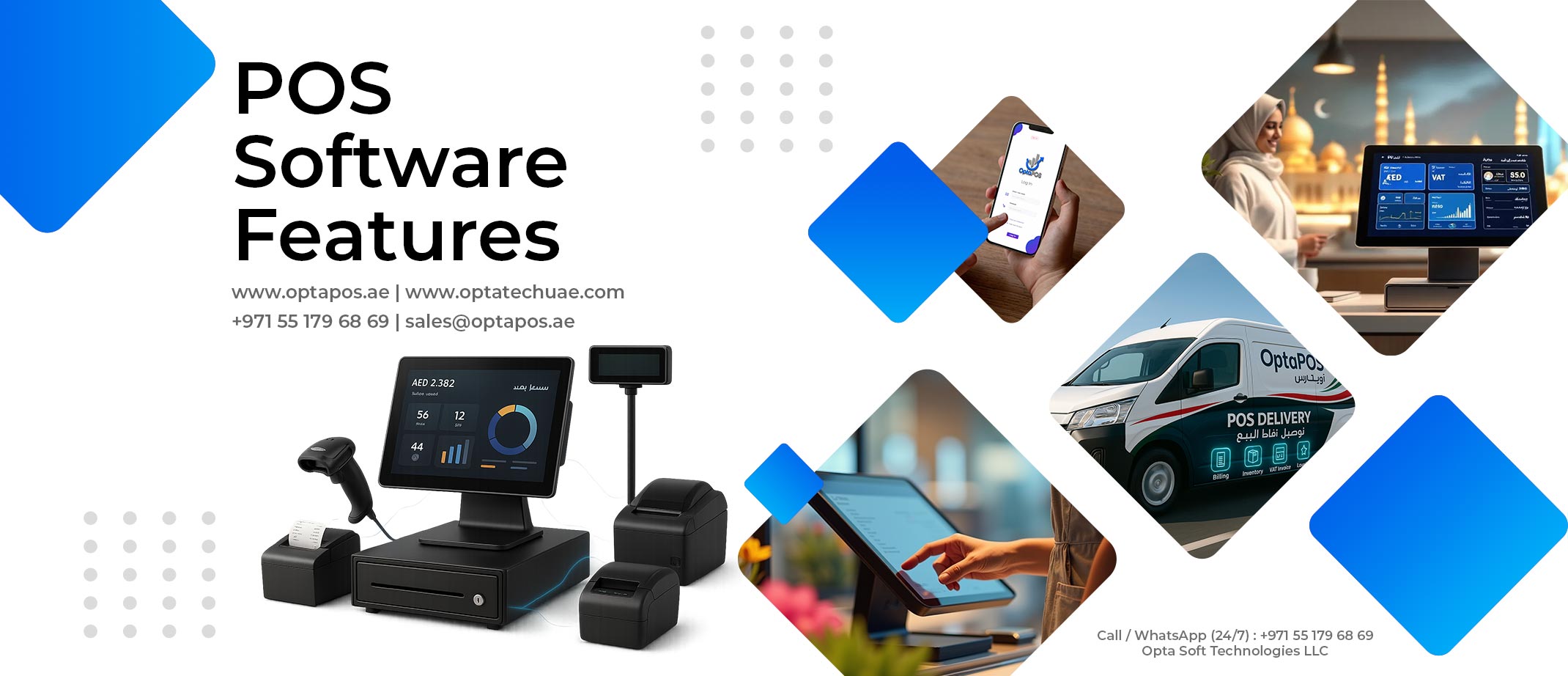
Use the capability you need without losing the bigger business view.
OptaPOS is built as a broader retail platform, so excel import & export can work alongside checkout, stock, purchasing, customers, staff controls and reporting as the business evolves.
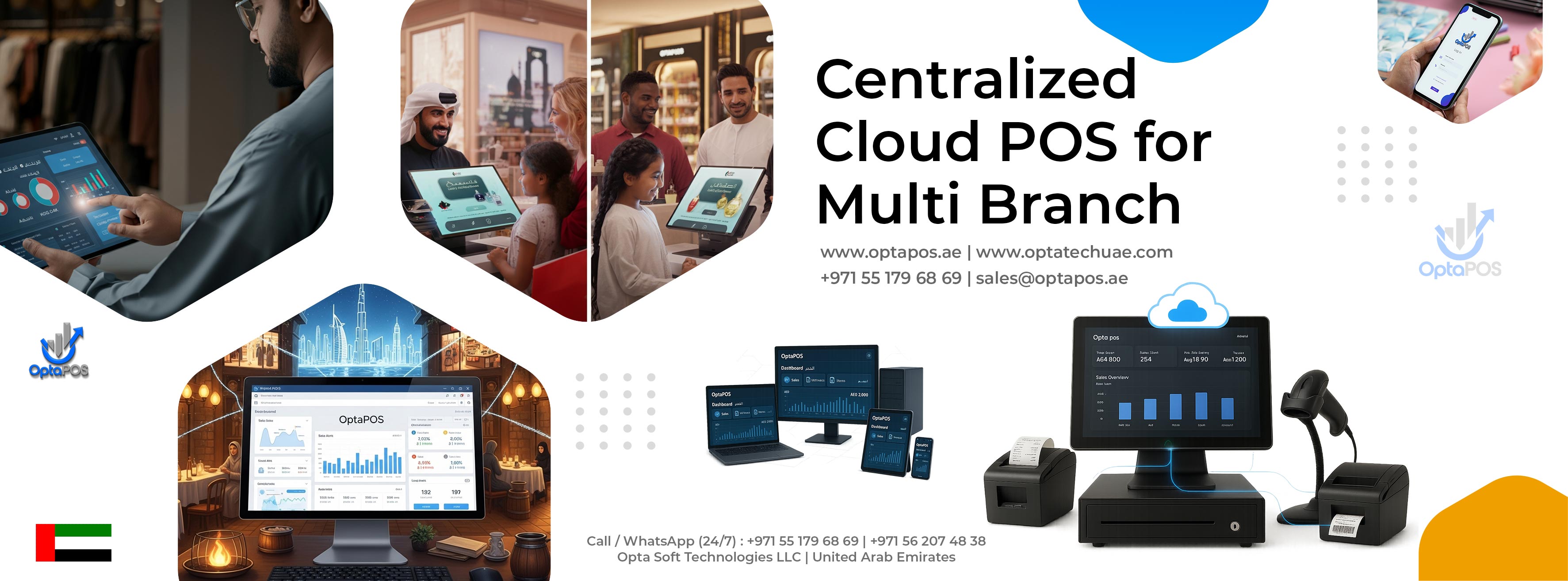
Excel Import & Export should fit naturally into the way your business operates.
POS software with Excel import and export capability for supported product and retail data workflows in OptaPOS.
Rather than treating this as a separate tool, OptaPOS connects it to the wider retail operation so information can remain useful from the sales counter through to management review.
Excel Import & Export, explained.
Is Excel Import & Export available in OptaPOS?
OptaPOS includes capabilities designed around bulk data handling and easier retail administration. Exact setup can depend on the retail workflow and configuration required.
Can this work for a single store and multiple branches?
Yes. OptaPOS is designed for single-store retail and can also support centralized multi-location operations.
Is OptaPOS cloud based?
Yes. OptaPOS is a cloud retail platform designed to give authorized users access to supported business information across devices and locations.
Can I book a demo before deciding?
Yes. You can book a live demo to review the relevant workflow and discuss how it fits your retail operation.
Build a smarter retail operation with OptaPOS.
Tell us about your business and see how OptaPOS can fit your stores, products and workflows.