
Cloud retail POS built for the UAE · Unlimited users, customers and transactions per licensed location +971 55 179 6869 WhatsApp sales@optapos.ae
POS hardware

POS hardware for UAE retail counters

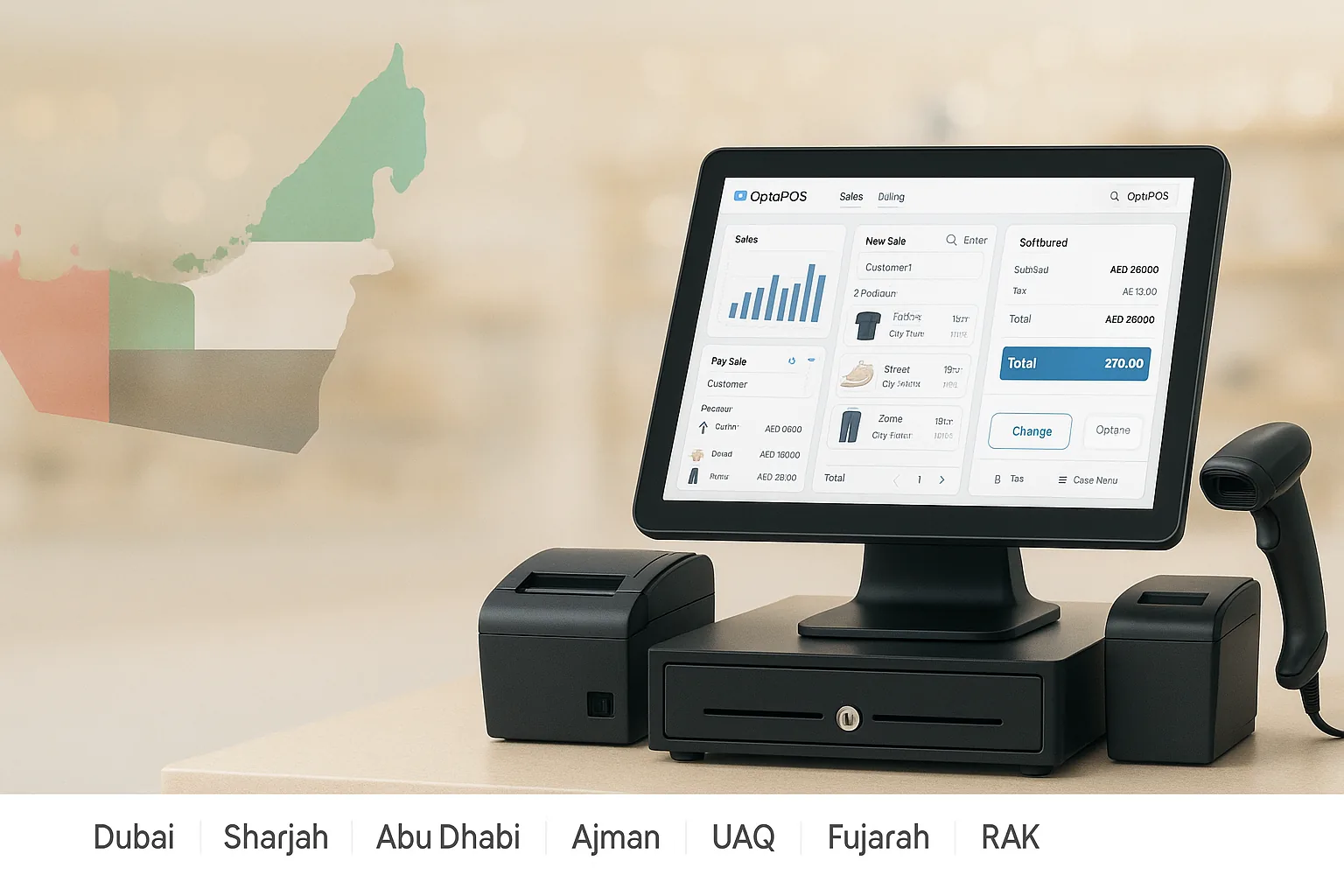
OptaPOS is cloud software that runs in a browser, so you can keep compatible devices you already own. When you need new hardware, we recommend and supply a set that fits your counter. Hardware is quoted per project; no prices are listed here.
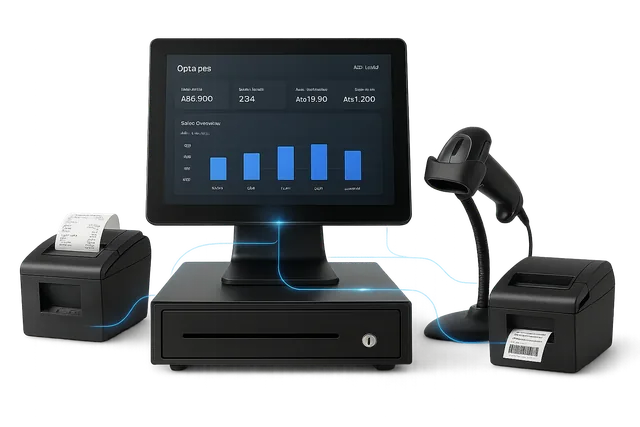
Full POS hardware set: touch terminal, barcode scanner, receipt printer, label printer and cash drawer
Devices

Compatible hardware

Compatibility is confirmed per model before you buy. If you already have devices, send us the model names and we will check them.

Touch POS terminal set up on a retail counter with scanner and printer

Touch POS terminal

An all-in-one touchscreen counter terminal for fast, button-driven billing. Ideal for busy counters and grid-button selling.
Compatibility: Windows-based touch terminals with a modern browser and stable internet. Model confirmed before purchase.

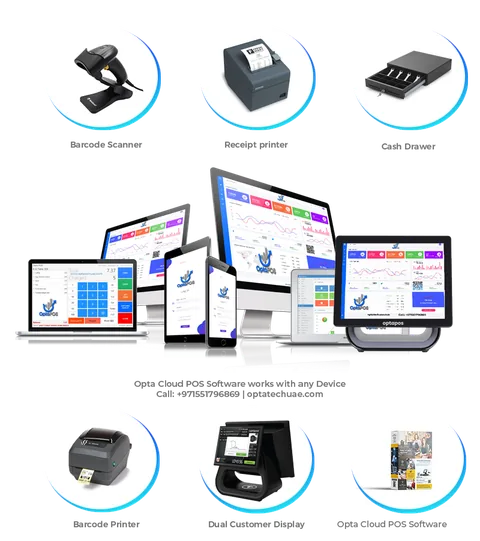
Complete POS hardware set with terminal, printer and cash drawer

All-in-one POS system

Terminal, customer display, printer and drawer supplied as one matched set for a clean, quick installation.
Compatibility: Supplied and configured by our team as a tested set.

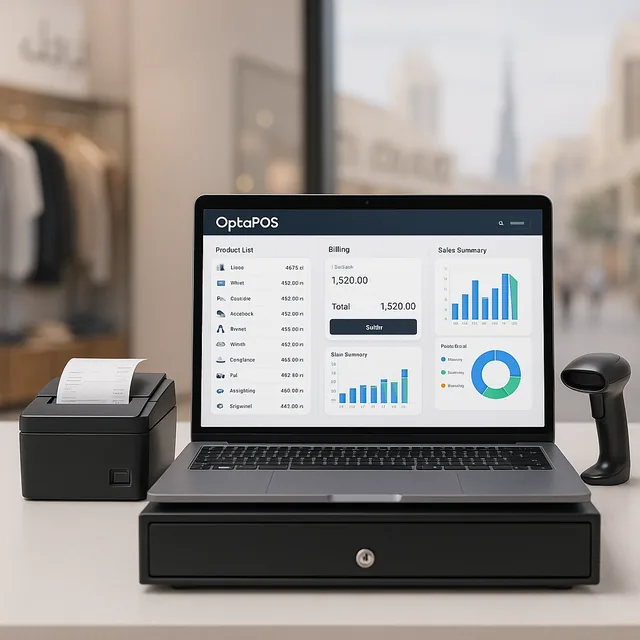
OptaPOS dashboard open on a laptop

Desktop PC or laptop

Use an existing PC or laptop for back-office work, purchasing, reports or a trade counter.
Compatibility: Any compatible device with a current browser. OptaPOS is cloud-based, so no local server is needed.

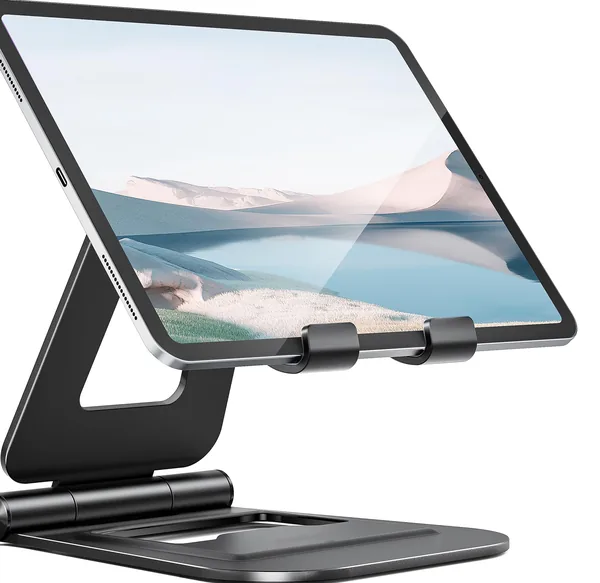
Tablet used as a POS

Tablet

A compact option for kiosks, showrooms and floor selling, with a Bluetooth or USB scanner and printer.
Compatibility: Compatible tablets with a modern browser; peripheral support depends on the model.

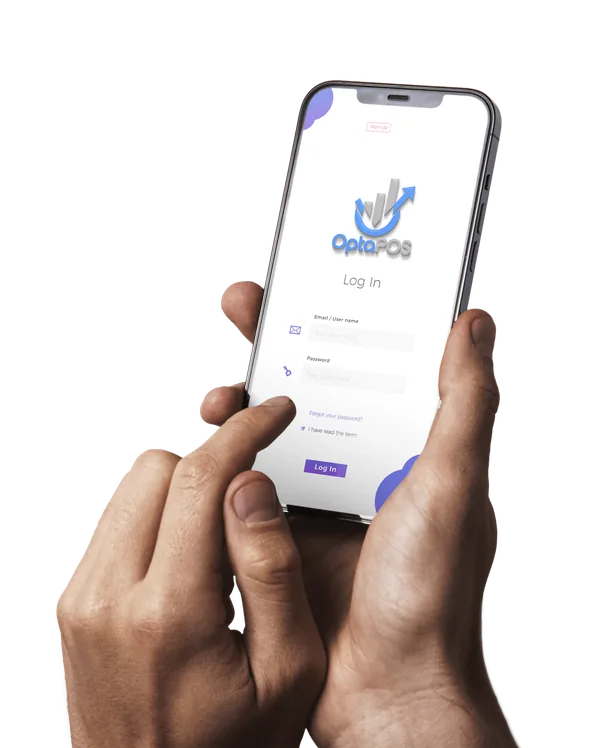
OptaPOS owner dashboard on a smartphone

Smartphone (owner dashboard)

Check sales, payments and key figures from anywhere, and capture product photos where supported.
Compatibility: Compatible iOS or Android phones with internet access.

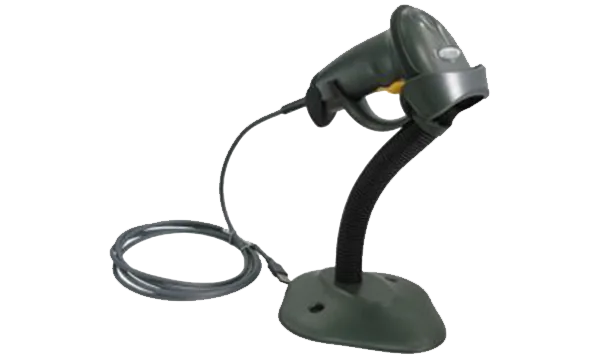
Handheld barcode scanner

Barcode scanner

Wired, wireless or hands-free 1D/2D scanners for fast checkout, receiving and stock counts.
Compatibility: Most USB keyboard-emulation scanners work; we confirm the model before you buy.

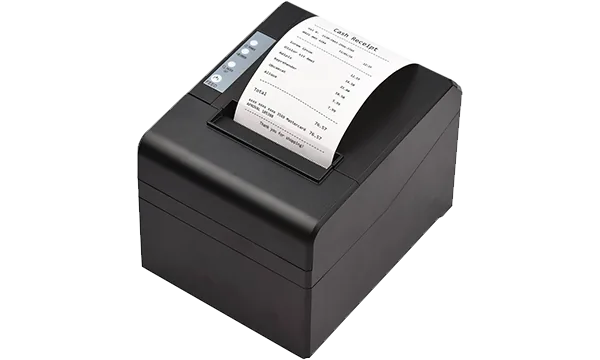
Thermal receipt printer

80mm thermal receipt printer

Fast, quiet receipt printing with bilingual layouts where supported. Can trigger the cash drawer.
Compatibility: Common 80mm thermal printers via USB or network; model confirmed before purchase.

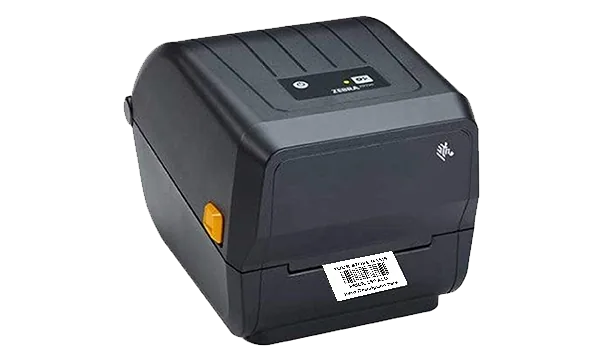
Desktop barcode label printer

Barcode label printer

Print price tags, barcode labels and shelf labels in bulk from OptaPOS.
Compatibility: Supported thermal label printers; label sizes configured during setup.

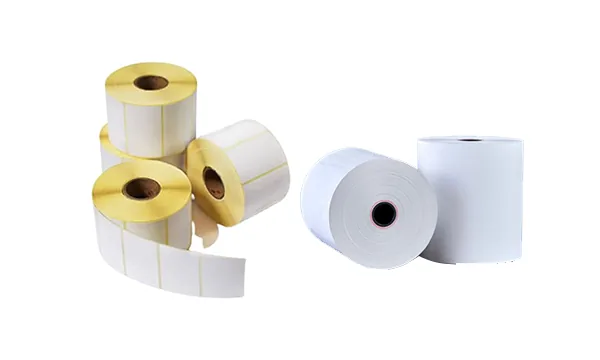
Barcode label rolls

Labels and receipt rolls

Consumables in the right sizes for your printers, so tags and receipts always print cleanly.
Compatibility: Matched to your printer model and label layout.

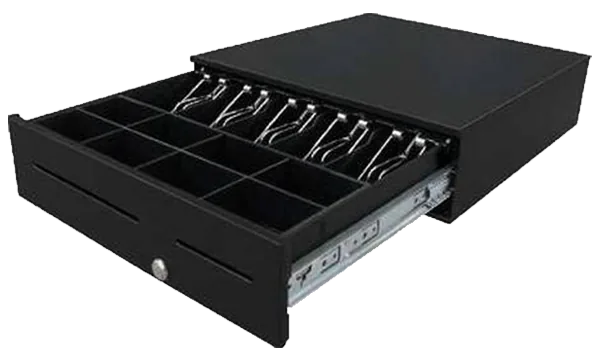
POS cash drawer

Cash drawer

A secure drawer that opens automatically on cash sales through the receipt printer.
Compatibility: Standard printer-driven (RJ11) drawers.

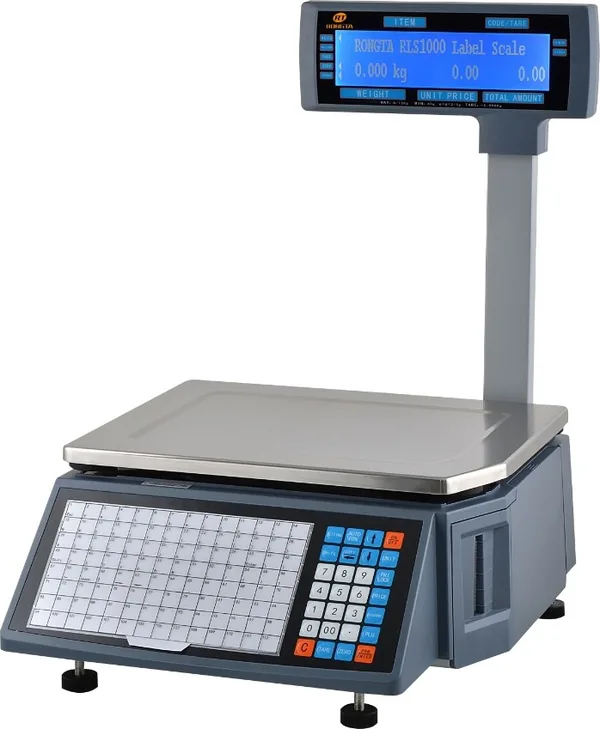
Rongta label-printing retail weighing scale

Label-printing weighing scale

Weigh fresh items and print a weighted barcode that the till reads as item plus weight or price.
Compatibility: Scales that print weighted barcodes in a supported format, where configured.

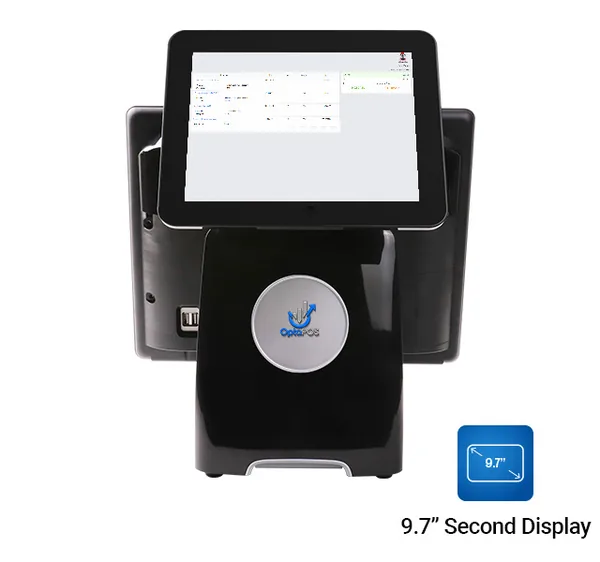
Customer-facing display

Customer display

Shows items, totals and VAT to the customer during checkout for transparency.
Compatibility: Second screens on supported terminals.

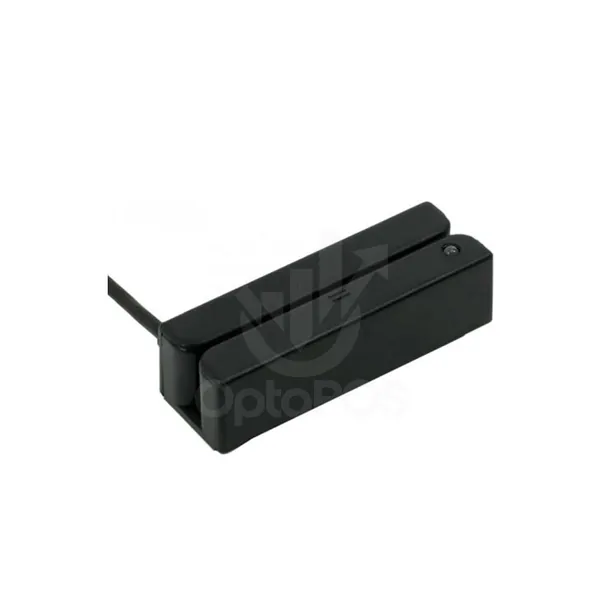
Magnetic stripe card reader

Card / loyalty card reader

Reads magnetic-stripe loyalty or gift cards where your card programme uses them.

Compatibility: Keyboard-emulation readers; confirmed per project. Payment terminals are separate devices.

Bundles

Suggested hardware bundles

Starting points that we adjust to your counter, product types and number of tills.

Essential Checkout

Small shops, kiosks and single counters.

  • Touch POS terminal
  • Barcode scanner
  • 80mm thermal receipt printer
  • Cash drawer
Ask for this bundle

Barcode Retail

Shops that label their own stock: hardware, stationery, fancy and variety stores.

  • Touch POS terminal
  • Barcode scanner
  • 80mm thermal receipt printer
  • Barcode label printer
  • Labels and receipt rolls
  • Cash drawer
Ask for this bundle

Fashion & Label

Fashion, footwear and accessory stores with size and colour tags.

  • Touch POS terminal
  • Barcode scanner
  • Barcode label printer
  • 80mm thermal receipt printer
  • Cash drawer
  • Smartphone (owner dashboard)
Ask for this bundle

Grocery & Scale

Supermarkets, groceries, butcheries and fresh counters.

  • Touch POS terminal
  • Barcode scanner
  • Label-printing weighing scale
  • 80mm thermal receipt printer
  • Customer display
  • Cash drawer
Ask for this bundle

Multi-Store Rollout

Chains opening or standardising several branches and a warehouse.
  • All-in-one POS system
  • Barcode scanner
  • Barcode label printer
  • Desktop PC or laptop
  • Smartphone (owner dashboard)
Ask for this bundle
Planning your counter

How to choose the right set-up

  • Count your tills and back-office devices; users and devices are unlimited per licensed location.
  • Label your own stock? Add a barcode label printer and rolls.
  • Selling by weight? Ask about scale and weighted-barcode workflows where supported.
  • Small space? A tablet or compact terminal may be enough.

Read the POS hardware buying guide

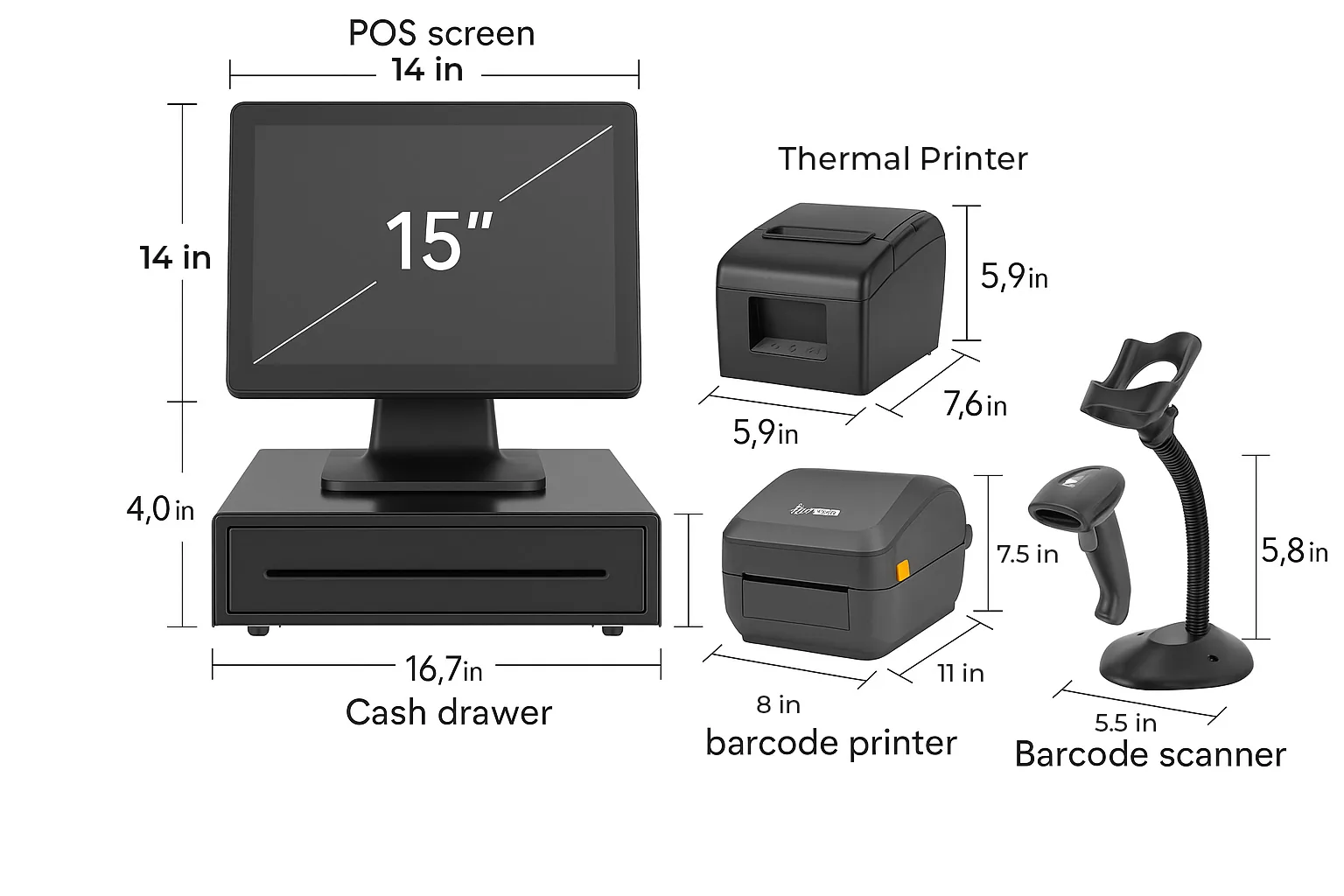
POS hardware items laid out with approximate sizes for counter planning
FAQ

Hardware questions

Which hardware works with OptaPOS?

Common options are touch POS terminals, barcode scanners, thermal receipt printers, barcode label printers, cash drawers, customer displays and, for fresh food, weighing scales where supported. See the hardware guide.

How long does set-up take?

It depends on your product count, data quality and number of locations. A simple single store with a clean product list can usually start quickly, while multi-branch projects are planned step by step. See how it works.

Do you provide training?

Yes. Onboarding includes training for owners, managers and cashiers, in English or Arabic, remotely or on-site where available.

Why are hardware prices not listed?

Models, stock and quantities change, and many stores reuse devices they already own. We quote hardware with your software so the total is clear.

Can I use a smartphone as a POS?

Yes, compatible smartphones and tablets can run OptaPOS in a browser for selling, stock checks and dashboards, subject to permissions and supported workflows.

Get a matched software and hardware quote.

Book a live demo and we will walk through checkout, stock and reports using your kind of store, then recommend Standard or Advanced and the hardware you actually need.

Call WhatsApp Book Demo